What to Test
We recently conducted a preliminary web accessibility test on our corporate site and scored 73.6%. E-Cubed will perform another, more comprehensive accessibility test (using Siteimprove) on our site in the next few months.
In conjunction with this comprehensive test, other features will need to be tested. Most tests will involve manual testing and can be done in-house. Other tests will require the use of third-party tools such as aXe or Wave.
Automated Accessibility Checking (Performed by CPABC's Web Team)
We will use third-party tools such as aXe and Wave to scan our site to help find items that do not pass WCAG 2.1 AA accessibility. This type of testing is fast, but only 20-50% of barriers can be identified by this method.
Manual Overview (Performed by CPABC's Web Team)
- Manual testing will review:
- Images - correct alt tagging
- Color contrast between background and text
- Color contrast between image and text on images
- 200% Zoom test
- Mobile - Vertical/Horizontal test
- HTML Symantec (h1, h2, h3, h4)
- Responsiveness
- Navigation links
- Forms
- Widgets (sliders, drop-down navigations, show/hide content toggle accordions)
- Tables
Assistive Technology (AT) Test
- Keyboard testing (Performed by CPABC's Web Team)
- Does the page follow proper headings structure?
- Is the programmatic code structured properly so that the reading/navigation order is correct?
- Do we get trapped anywhere on screen?
- Can all content be accessed with the keyboard alone?
- How do all our widgets perform?
- Can banners and moving carousels be stopped or slowed down?
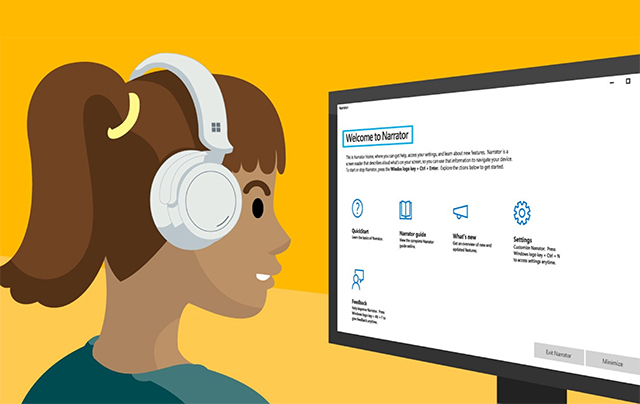
- Screen reader testing (Performed by CPABC's Web Team)
- Can the page be perceived and operated correctly using a screen reader or braille display?
- Can the page be explored using only the arrow keys?
- Can all interactive elements be explored using the TAB button?
- Site Infrastructure testing (Performed by E-Cubed)
- Skip links*
- Widget accessibility
- Banner motion
*A skip link provides a way for users of assistive technology (screen reader or keyboard) to skip what can often be many navigation links. For example, think about having to tab through the entire Amazon dropdown navigation, that has links nested in links, before you even reached the search bar or any relevant content—that is the problem that a skip link solves for keyboard or screen reader users.